
Download Telegram APK 12.7.3 Free for Android
Telegram FZ-LLC APK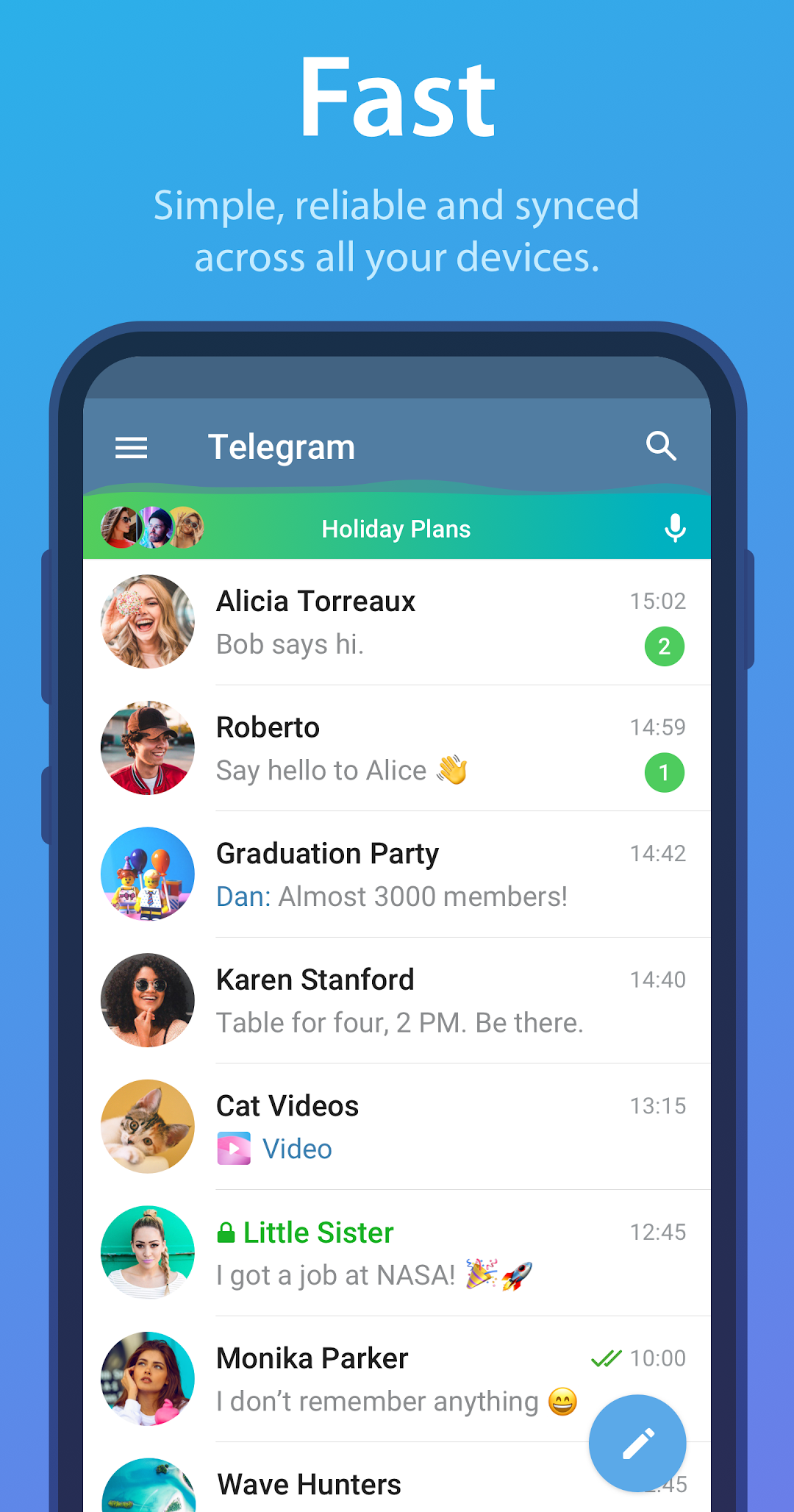
| Tên | Telegram |
|---|---|
| Nhà phát hành | Telegram FZ-LLC |
| Phiên bản | 12.7.3 |
| Kích thước | 78MB |
| Yêu cầu | Android 5.0 |
| Google Play | Google Play ↗ |
| Danh mục | Contact |
| Lượt tải | 4 |
| Giá | MIỄN PHÍ |
| Đánh giá |
★
★
★
★
★
0/5
(0)
|
| Tác giả | |
| Cập nhật |
Telegram passed 1 billion monthly active users in 2026, yet its end-to-end encryption only covers Secret Chats, not the default cloud chats most people use every day.
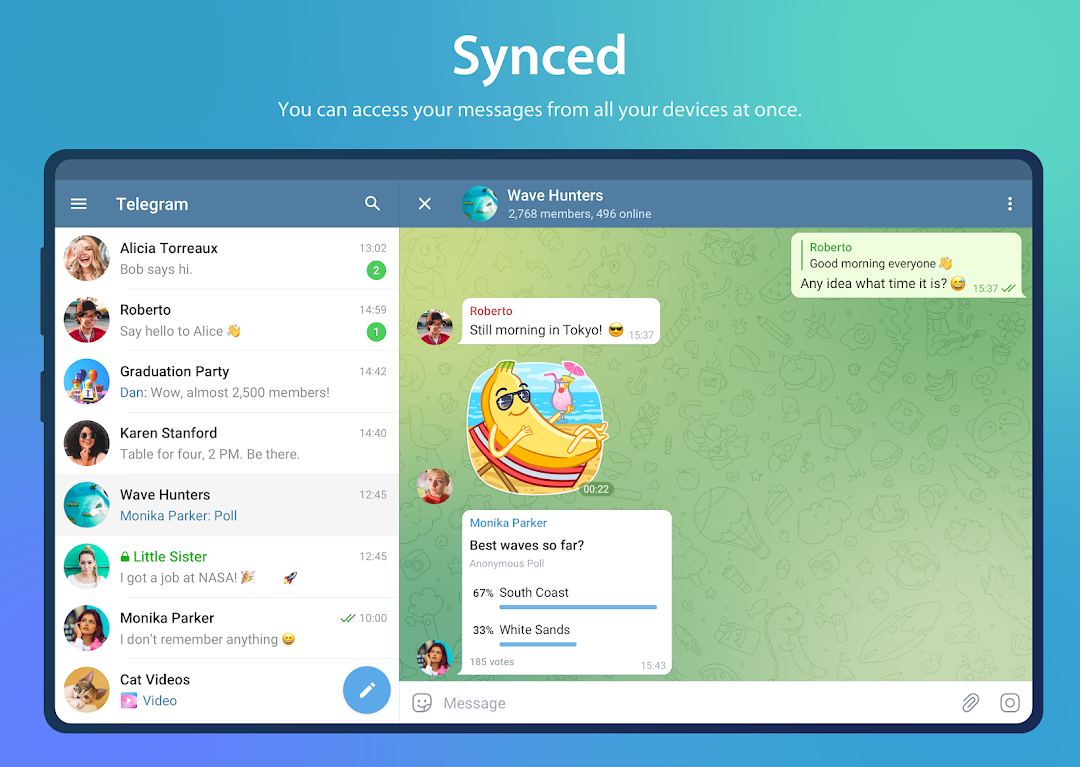
Telegram is a cloud-based messaging app built by Pavel and Nikolai Durov, first released in August 2013 and now run by Telegram FZ-LLC. It sits in the secure-messenger category next to WhatsApp and Signal, but leans harder on cloud sync, large file transfers, and public broadcasting through channels. The Android build runs on Android 5.0 and up, keeps every chat synced across phones, tablets, and desktops at once, and lets any user send files up to 2GB with unlimited cloud storage at no cost. You can grab the latest version on APKRUNE. This guide covers what the stock APK does well, what changed in version 12.7.3, and how the MOD build differs.
- Is Telegram actually secure, and which chats are end-to-end encrypted?
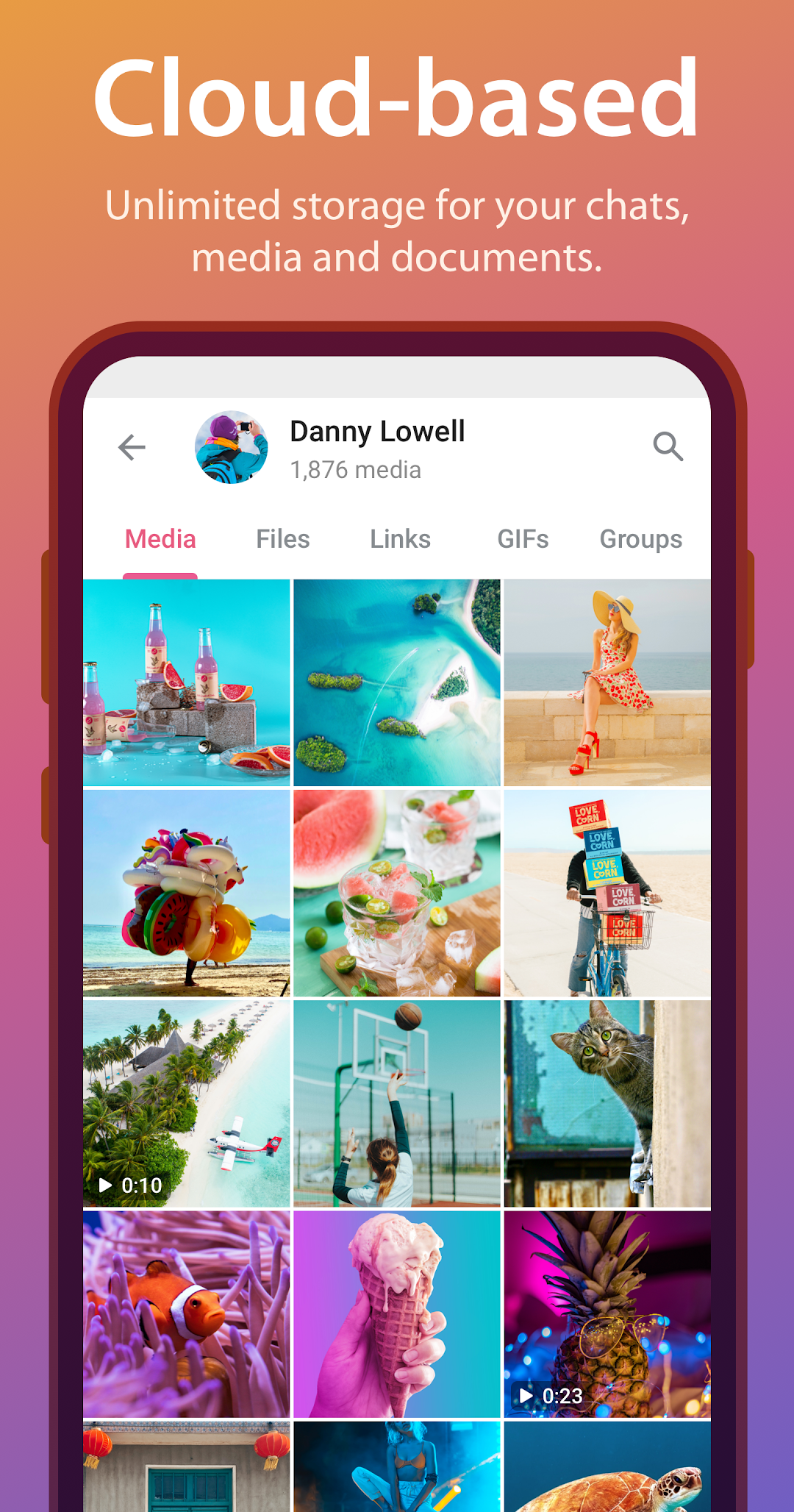
- Sending 2GB files and keeping everything in the Telegram cloud
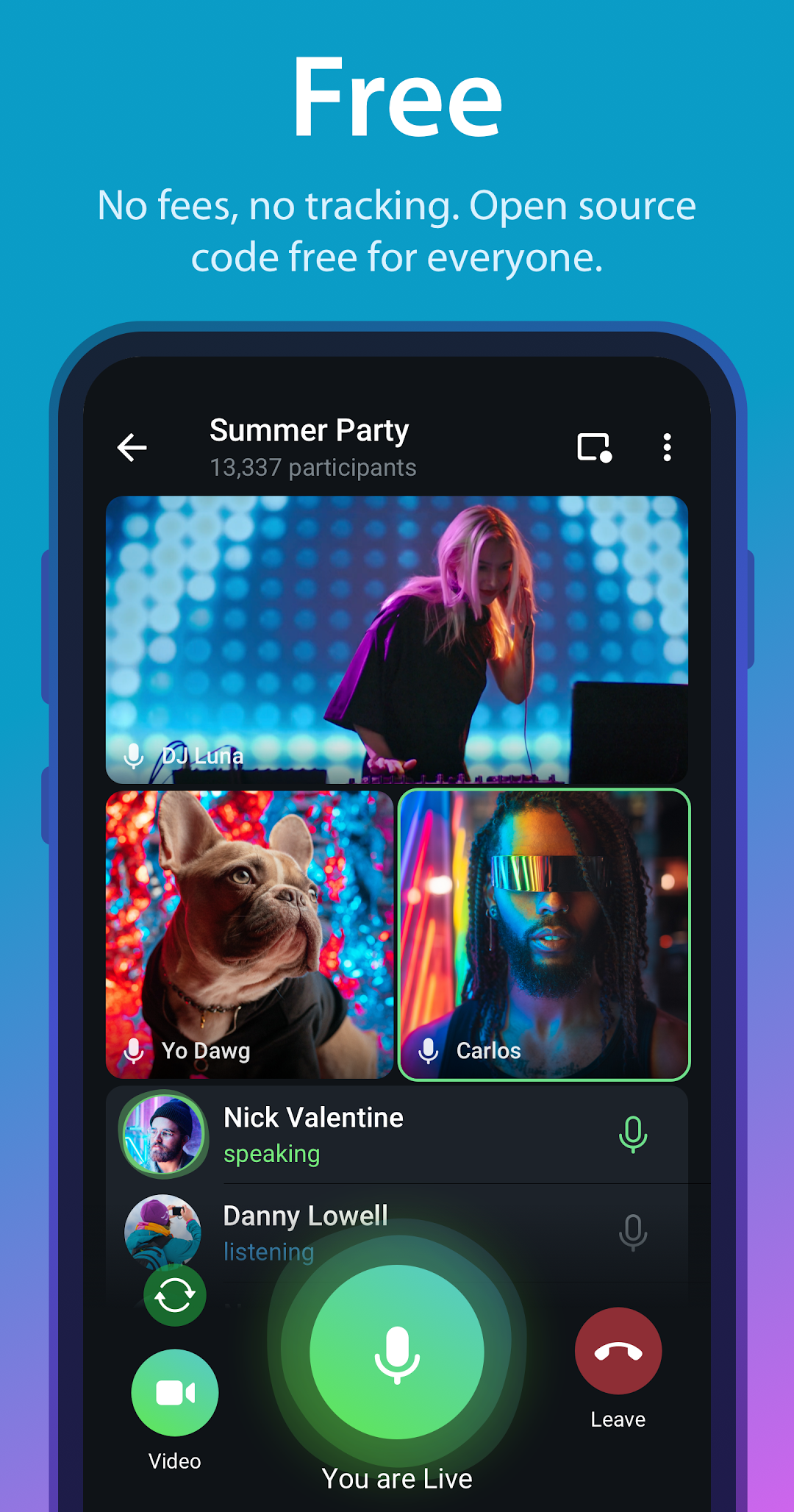
- Groups of 200,000, channels with no subscriber cap, and how they differ
- Telegram Premium at .99: every limit it doubles and feature it adds
- Telegram bots, Mini Apps, and the new AI tools running inside chats
- Telegram vs WhatsApp and Signal: which one fits what
- What’s new in Telegram version 12.7.3
- Telegram MOD APK features
- Frequently asked questions
Is Telegram actually secure, and which chats are end-to-end encrypted?
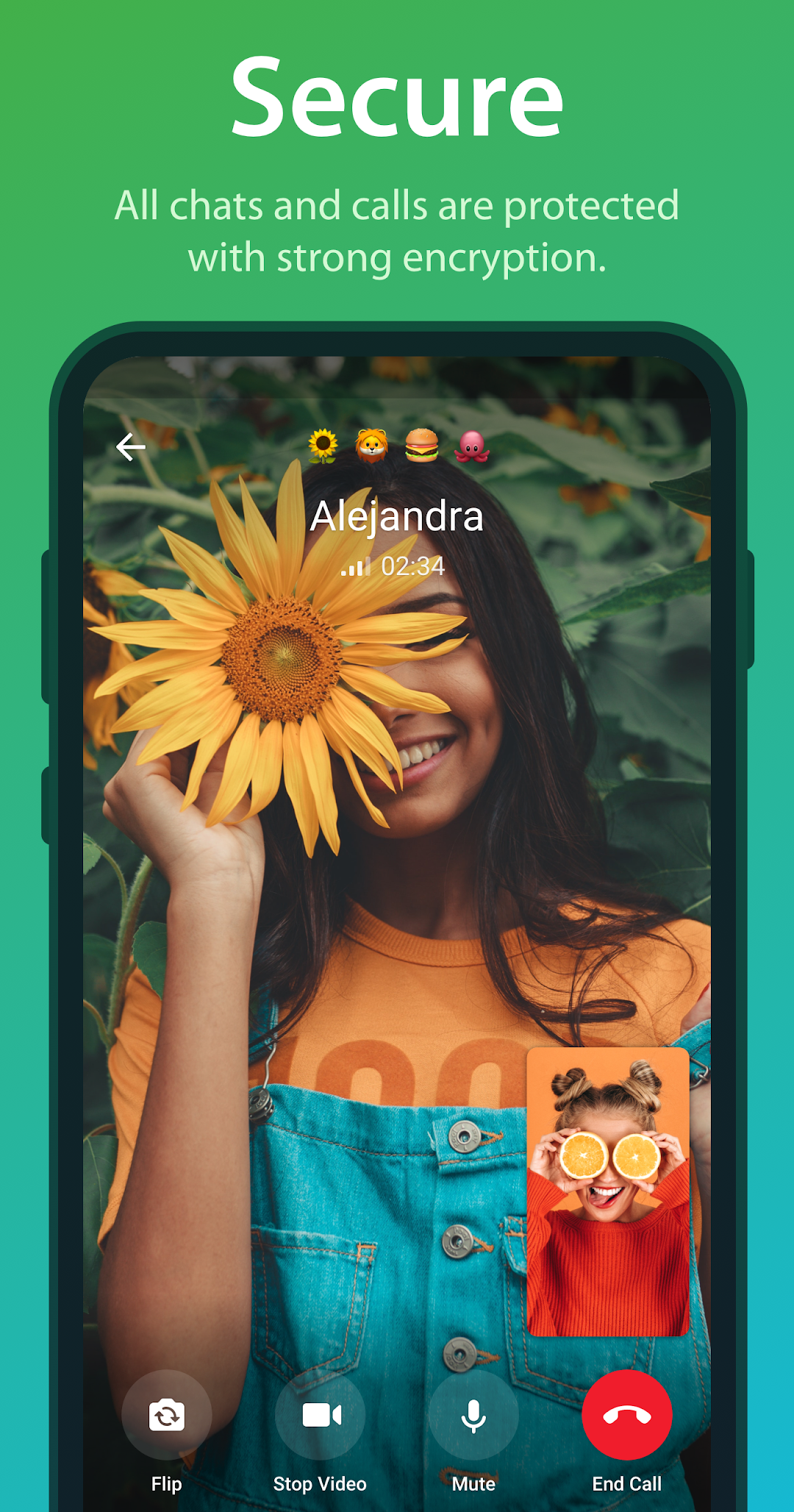
Here is the detail most pages skip: Telegram’s regular cloud chats are not end-to-end encrypted. They use the MTProto protocol with client-server and server-client encryption, which means messages are decrypted on Telegram’s servers so they can sync across your devices. Only Secret Chats are end-to-end encrypted, and they exist only between two specific devices.
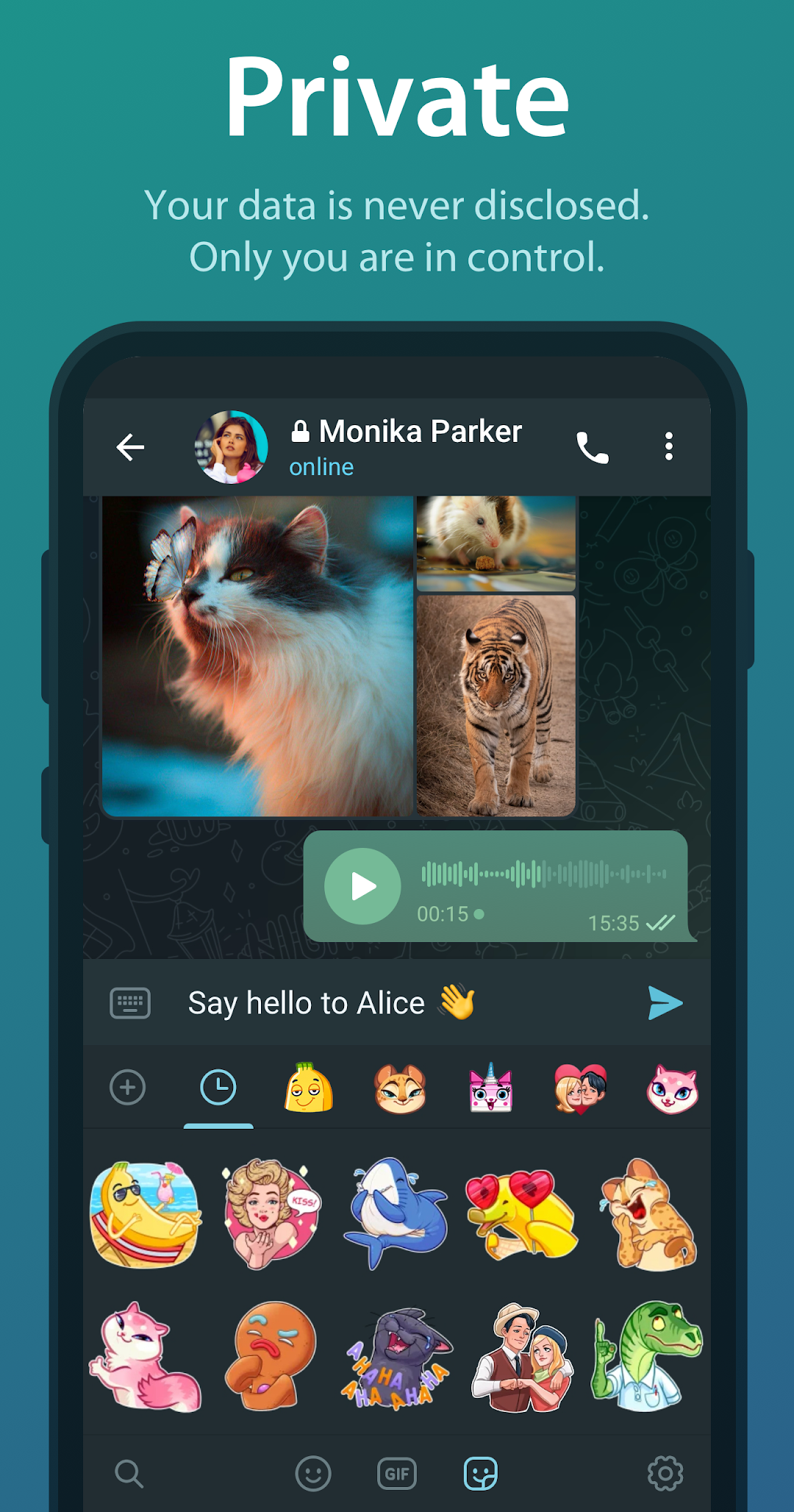
Secret Chats add a second layer of control on top of encryption. Messages never touch the cloud, cannot be forwarded, and support a self-destruct timer you set per chat, from 1 second up to 1 week. If a screenshot is taken, the other person gets notified inside the chat.
The rest of Telegram’s privacy tools work on every chat type:
- Phone number privacy: you can hide your number from everyone and let people find you by a public @username instead.
- Last Seen control: hide your online status entirely, or show it only to your contacts.
- Two-Step Verification: adds a password on top of the SMS login code, blocking SIM-swap takeovers.
- Auto-delete timers: set messages in any cloud chat to clear after 1 day, 1 week, or 1 month.
- Active sessions: view every device logged into your account and remotely kill any of them.
The practical takeaway: for sensitive one-to-one talk, start a Secret Chat. For everyday convenience across devices, the cloud chats trade a little privacy for sync that no end-to-end app can match.
Sending 2GB files and keeping everything in the Telegram cloud
Telegram gives free users a 2GB-per-file limit with unlimited cloud storage, which is the single biggest reason power users pick it over rival apps. Files stay on Telegram’s servers indefinitely until you delete them, so your chat history and media follow you to any new phone after a single login.
The cloud model changes how the app behaves day to day. Photos, voice notes, documents, and videos all live server-side, so a fresh install pulls your full history back without a manual backup. There is no 90-day expiry and no local backup file to lose.
File handling breaks down by type and tier:
- Standard files (free): up to 2GB each, covering ZIP archives, APKs, PDFs, and 4K clips.
- Premium uploads: the cap rises to 4GB per file on the $4.99 plan.
- Download throttling: free accounts hit a speed cap during heavy traffic, while Premium removes that throttle for the fastest available speed.
- Saved Messages: a private chat with yourself that works as unlimited personal cloud storage for notes and files.
One detail rivals rarely mention: anyone, even people without an account, can preview and download files shared in public channels straight from a browser link. That turns Telegram into a lightweight file host, not just a chat app.
Groups of 200,000, channels with no subscriber cap, and how they differ
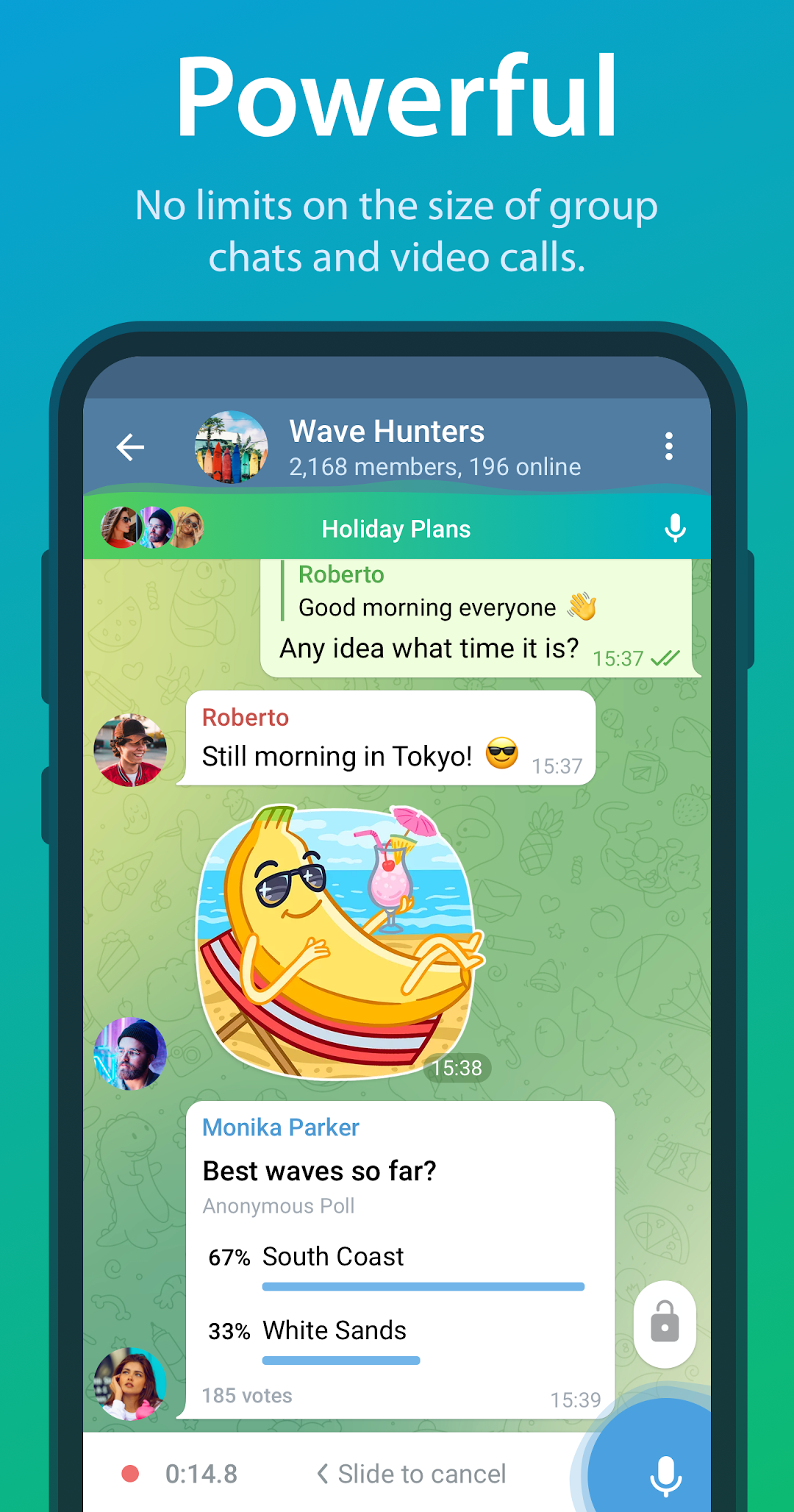
Telegram supports groups of up to 200,000 members and channels with no upper limit on subscribers, a scale far beyond what most messengers allow. The two formats look similar but solve different problems, and mixing them up is the most common beginner mistake.
Groups are two-way. Every member can post, reply, react, and run polls, and admins get granular controls to keep order. Channels are one-to-many broadcasts where only admins post, while subscribers read and react, which suits news feeds, brand updates, and large announcements.
The toolset that makes large communities manageable:
- Admin roles: assign specific rights such as delete messages, ban users, pin posts, or invite members, without handing over full control.
- Topics: split a single big group into separate threaded sections, similar to forum boards.
- Slow Mode: force a cooldown between posts (from 10 seconds to 1 hour) to calm busy groups.
- Reactions and polls: quick feedback without flooding the chat, including quiz-mode polls with correct answers.
- Public @links: a t.me address anyone can open to join, with free accounts allowed up to 10 reserved public links.
Channels also carry view counts on every post and optional comment sections that link to a discussion group, so a broadcast and a conversation can run side by side under one brand.
Telegram Premium at $4.99: every limit it doubles and feature it adds
Telegram Premium costs $4.99 per month and mostly doubles existing limits rather than locking core features behind a paywall, which is why many users never need it. The headline upgrades are the 4GB upload cap and the removal of download throttling, both aimed at people who move large files daily.
The doubled limits stack up across the app:
- Channels followed: 500 on free, 1,000 on Premium.
- Chat folders: 20 folders holding up to 200 chats each, versus a tighter free cap.
- Pinned chats: 10 instead of 5 in the main list.
- Saved GIFs: 400 instead of 200, plus 10 favorite stickers.
- Accounts per app: up to 4 logged in at once.
Beyond limits, Premium adds tools the free tier lacks. Voice-to-text transcription converts voice and video messages into readable text, useful when you cannot play audio. Real-time chat translation renders whole foreign-language chats in your language, while free users translate one message at a time. Premium also strips the Sponsored Messages that appear in some large public channels, adds full-screen animated stickers updated monthly, gives animated profile pictures, and shows a badge next to your name. The value is clearest for heavy file senders and multi-account users, less so for casual chatters who already get the core app free.
Telegram bots, Mini Apps, and the new AI tools running inside chats
Bots are the feature that separates Telegram from every mainstream messenger, and they now reach into ordinary chats rather than living in separate windows. A bot is an automated account you control through buttons or commands, and Mini Apps let developers run full web interfaces inside Telegram, from shops to games.
The everyday bot categories worth knowing:
- Utility bots: @gif for GIF search, @vote for polls, and @pic for image search, all callable inline by typing the @name in any chat.
- Mini App bots: open a web app inside the chat, used for ordering, ticketing, and lightweight games without leaving Telegram.
- AI assistant bots: answer questions and draft text on demand, now usable across chats through the Guest Bot system.
- Channel admin bots: auto-moderate, schedule posts, and welcome new members in large communities.
The 2026 updates pushed bots far closer to the conversation. You can mention an AI bot by its @username inside a private or group chat without adding it as a member, and it answers in the thread while only reading the message you tagged. Bots can now stream their replies word by word as they generate, and the built-in AI Editor reformats your own text in two taps, with style options ranging from formal to Zen or Viking tones.
Telegram vs WhatsApp and Signal: which one fits what
The honest split: Signal wins on privacy by default, WhatsApp wins on reach, and Telegram wins on scale and flexibility. Each app encrypts differently, and that single fact decides which one suits you.
Signal encrypts every chat end-to-end by default and stores almost nothing on its servers, making it the choice when privacy is the only priority. WhatsApp also runs end-to-end encryption on all chats and carries the largest user base globally, so it is usually the safe pick for reaching family and casual contacts. Telegram only encrypts Secret Chats end-to-end, but trades that for cloud sync, 2GB free uploads, groups of 200,000, and unlimited-subscriber channels.
Where Telegram clearly pulls ahead is public broadcasting and large communities. No other mainstream app runs channels with unlimited subscribers, an open bot platform, and Mini Apps in one place. Where it falls behind is default privacy, since a reader who assumes every Telegram chat is end-to-end encrypted is mistaken. Pick Signal for maximum secrecy, WhatsApp for the widest contact reach, and Telegram when you need big files, big groups, public channels, and bots under one roof.
What’s new in Telegram version 12.7.3
Version 12.7.3 is the AI Bot update, the biggest automation overhaul Telegram has shipped, adding more than 10 features on top of the design refresh from build 12.6.0. The changes center on bots that work inside any chat and tighter controls for admins.
- Guest AI Bots: mention any AI bot by @username in a private or group chat and get a reply in the thread, without adding the bot as a member. The bot only processes the message you tag.
- Bot-to-bot and streaming replies: bots can now talk to other bots and stream their text live as it generates, instead of posting one finished block.
- Chat Automation: connect a bot to your own profile so it can handle routine replies for you.
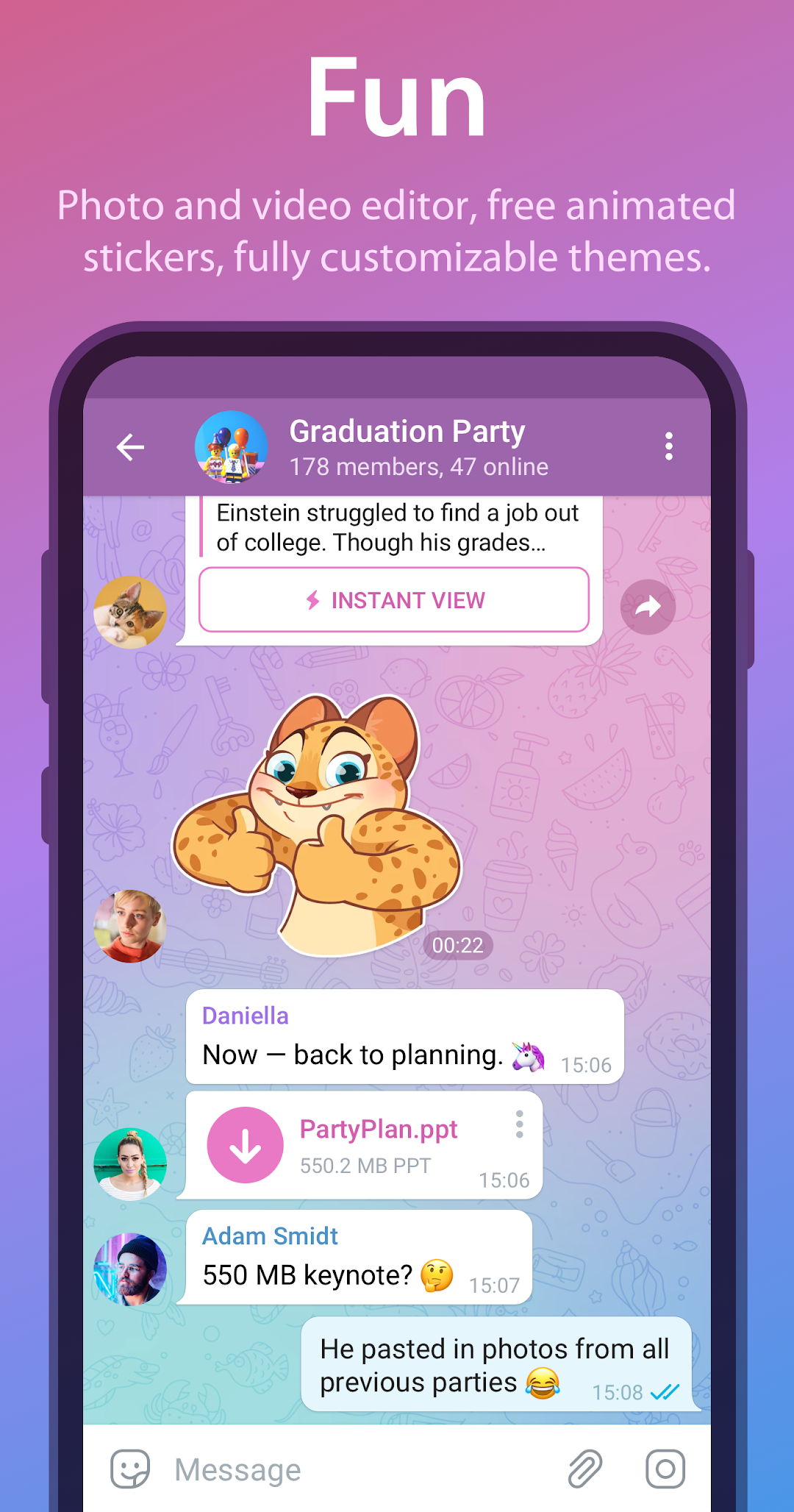
- Custom AI styles and bigger search: build and share writing styles for the AI Editor, and search across more than 100 million emoji and stickers in 36 languages by keyword.
- Poll and moderation tools: polls past 100 votes show an interactive statistics graph, you can cap voting by channel or country, schedule messages to send silently, and remove specific reactions from a user in groups you moderate.
The earlier 12.6.0 line introduced the AI Editor, Mighty Polls with media and location attachments, and Live Photo support with Live, Loop, and Bounce playback, all of which carry over into 12.7.3.
Telegram MOD APK features
The Telegram MOD APK removes the $4.99 Premium paywall and strips the Sponsored Messages from public channels, then adds two privacy tricks the official app does not offer at any price. It targets users who want the full Premium feature set plus discreet reading and message recovery without a subscription.
Premium Unlocked
Every Telegram Premium feature switches on without the $4.99 monthly charge. That means 4GB file uploads instead of the 2GB free cap, removal of the download speed throttle for the fastest available transfer, voice-to-text transcription on voice and video messages, real-time full-chat translation, 1,000 channel follows instead of 500, 20 chat folders, and the animated premium stickers and reactions. For someone who routinely sends 3GB to 4GB video files or runs multiple large channels, this is the change that matters most.
No Ads
Sponsored Messages, the promoted posts Telegram shows inside large public channels in some regions, are removed entirely. The stock app only hides these if you pay for Premium, so the MOD delivers the same clean channel feed for free. This is most noticeable if you follow high-traffic news or crypto channels where sponsored posts appear between regular updates.
Ghost Mode
Ghost Mode lets you open any chat, read messages, and view Stories without sending a read receipt, and it hides your online status and the typing indicator. The other person sees no second checkmark and no “online” or “typing” label even after you reply. Official Telegram only lets you hide Last Seen globally, so this granular per-action stealth does not exist in the free app or in paid Premium.
Anti-Delete Messages
When someone deletes a message they sent you, the MOD keeps a local copy that stays visible with a “Deleted” tag. It works for text, photos, and videos in private and group chats. This is another feature with no official equivalent, since the stock app fully removes a message for everyone once the sender deletes it. It is most useful in busy groups where people pull back posts before you have read them.
The table below sums up the core differences between the stock Telegram build and the MOD version, so you can see exactly what changes before downloading.
| Feature | Stock APK | MOD APK |
|---|---|---|
| Premium features | $4.99 / month | Fully unlocked, free |
| File upload limit | 2GB (free) / 4GB (Premium) | 4GB unlocked |
| Download speed | Throttled on free accounts | Throttle removed |
| Note: Ghost Mode and Anti-Delete below do not exist in official Telegram, not even in paid Premium. They are MOD-only additions. | ||
| Sponsored Messages | Shown unless you pay for Premium | Removed |
| Ghost Mode (no read receipts) | Not available | Included |
| Anti-Delete messages | Deleted messages disappear | Kept with “Deleted” tag |
| Channels followed | 500 (free) | 1,000 unlocked |
Frequently asked questions
Is the Telegram MOD APK safe to use?
A MOD is a third-party build that modifies the official code, so it is not verified by Telegram. Newer official versions flag accounts using unofficial clients with a profile warning, since features like verified end-to-end encryption may not be guaranteed. Use it on a secondary account rather than one tied to sensitive logins or payments.
Will the MOD get my Telegram account banned?
Telegram allows third-party clients built on its open code, so MOD use is less risky than on closed apps. Still, the official app now displays a security alert on profiles using unofficial versions, and aggressive features carry some risk. Keeping a real number on a backup account is the safer approach.
How does the MOD differ from official Telegram Premium?
Premium at $4.99 gives you 4GB uploads, faster downloads, voice-to-text, and no Sponsored Messages, all of which the MOD unlocks for free. The MOD then adds Ghost Mode and Anti-Delete, two features Premium does not include at any price. The trade-off is that the MOD is unofficial and unverified.
Does Telegram cost anything, and what stays free?
The core app is free forever. You get 2GB file uploads, unlimited cloud storage, groups up to 200,000 members, unlimited-subscriber channels, Secret Chats, and bots at no cost. Only the doubled limits and extras like 4GB uploads and voice-to-text sit behind the $4.99 Premium plan.
What Android version do you need to run Telegram?
The current build supports Android 5.0 (SDK 21) and higher, which covers nearly every active device. It syncs the same account across phones, tablets, and desktop at the same time, and a fresh install restores your full cloud chat history after a single login.